Import your pattern
Add your PDF patterns and keep them all in one place, ready whenever you are.
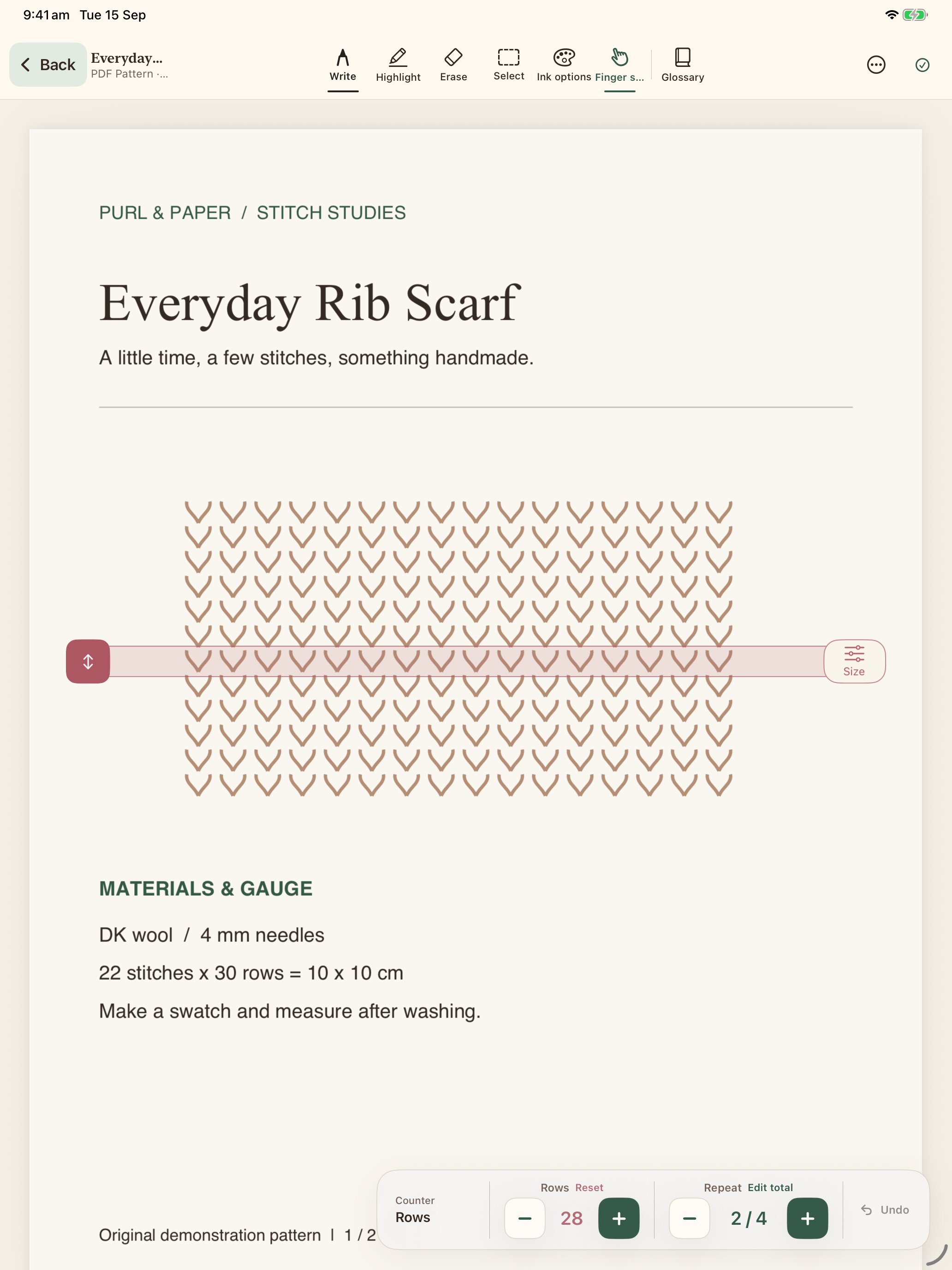
Organise patterns, annotate PDFs and keep your place, one row at a time.
 See how it works
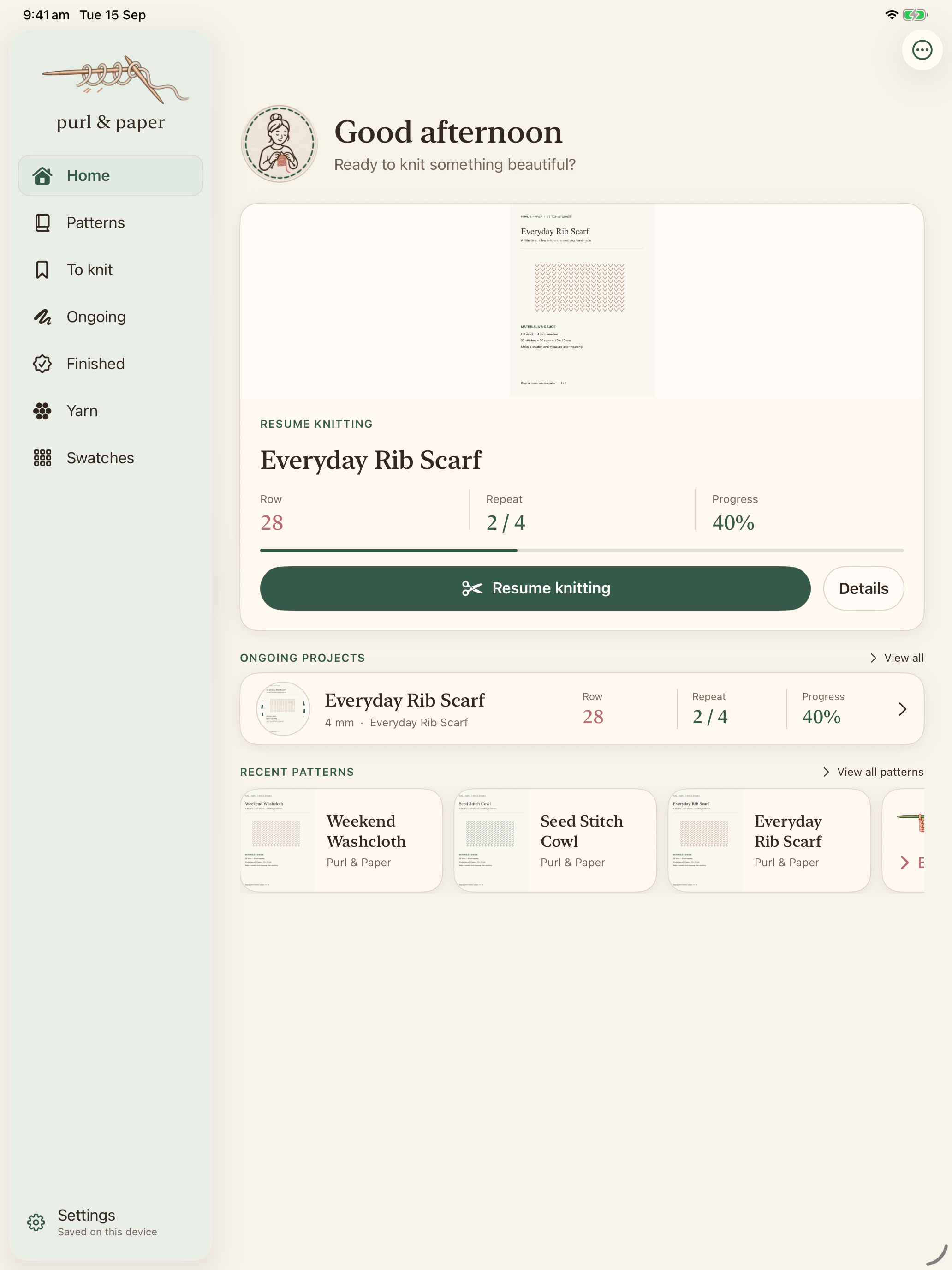
Add your PDF patterns and keep them all in one place, ready whenever you are.
Track your row, add notes and highlights, and pick up right where you left off.
Save your finished projects and look back on the things you’ve knitted, all in one place.
USEFUL GUIDES
FIELD NOTES 4 min read
From a folder full of files to a pattern you can comfortably knit from.
Read the guideFIELD NOTES 3 min read
A simple routine for charts, repeated sections and the moments you put your knitting down.
Read the guide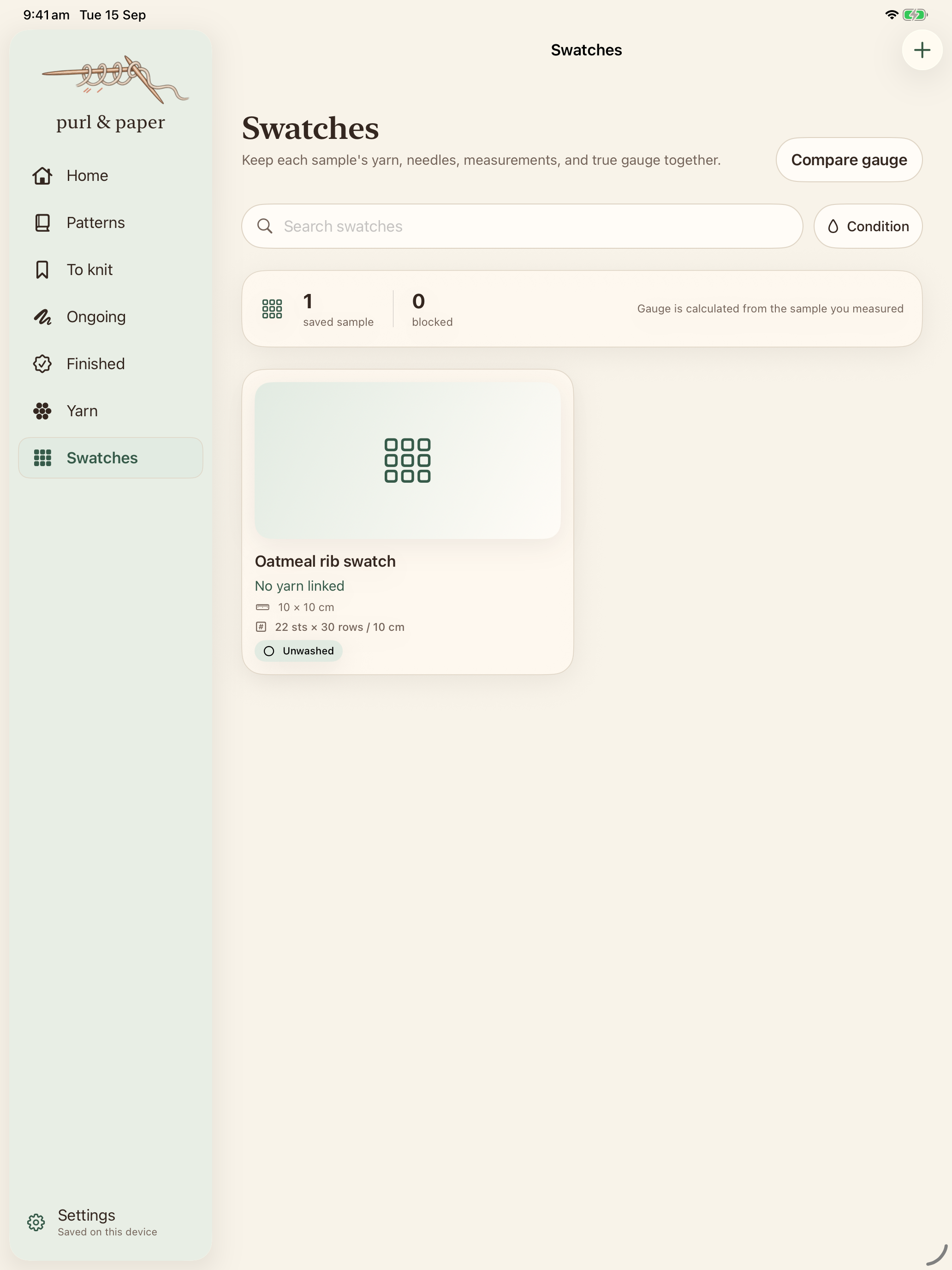
FIELD NOTES 4 min read
Keep the yarn, measurements and photo together, so your sample becomes useful evidence.
Read the guideA PLACE FOR EVERY PART OF MAKING
Your pattern libraryPDFs, photos and scans, organised together.
To knit, ongoing, finishedSave ideas and keep a record of each attempt.
Your yarn and swatchesPractical details you can find again.
PATTERNS & ANNOTATIONS
Import knitting PDFs, write on them with Apple Pencil on iPad, and keep each project’s marks separate.
Explore pattern toolsROWS, REPEATS & GUIDES
Independent row and repeat counters, plus a movable row guide, keep your knitting progress close to the pattern.
Explore row trackingYARN & GAUGE
Record your yarn stash, compare yarn details and keep measured gauge swatches with photos.
Explore yarn & gaugeTHE PRACTICAL DETAILS
BEFORE YOU CAST ON
No. Apple Pencil is supported for pattern handwriting on iPad, and finger drawing is available as a touch alternative. You can also use the library, counters and typed notes without handwriting.
Browse patterns and projects, use counters, add photos, and edit structured notes and yarn records. The current iPhone version can display saved freehand annotations; creating them is an iPad feature.
Automatic iCloud sync is not available in version 1.0. It is planned for a future update. For now, export a library backup and import it on the other device to transfer your saved records. This is a manual transfer, not live sync.
No. The current version does not require a Purl & Paper account or a Google login.
MAKE YOURSELF AT HOME
Patterns, projects and the notes between rows.