PATTERNS & ANNOTATIONS
A pattern that feels like yours.
Import knitting PDFs, write on them with Apple Pencil on iPad, and keep each project’s marks separate.
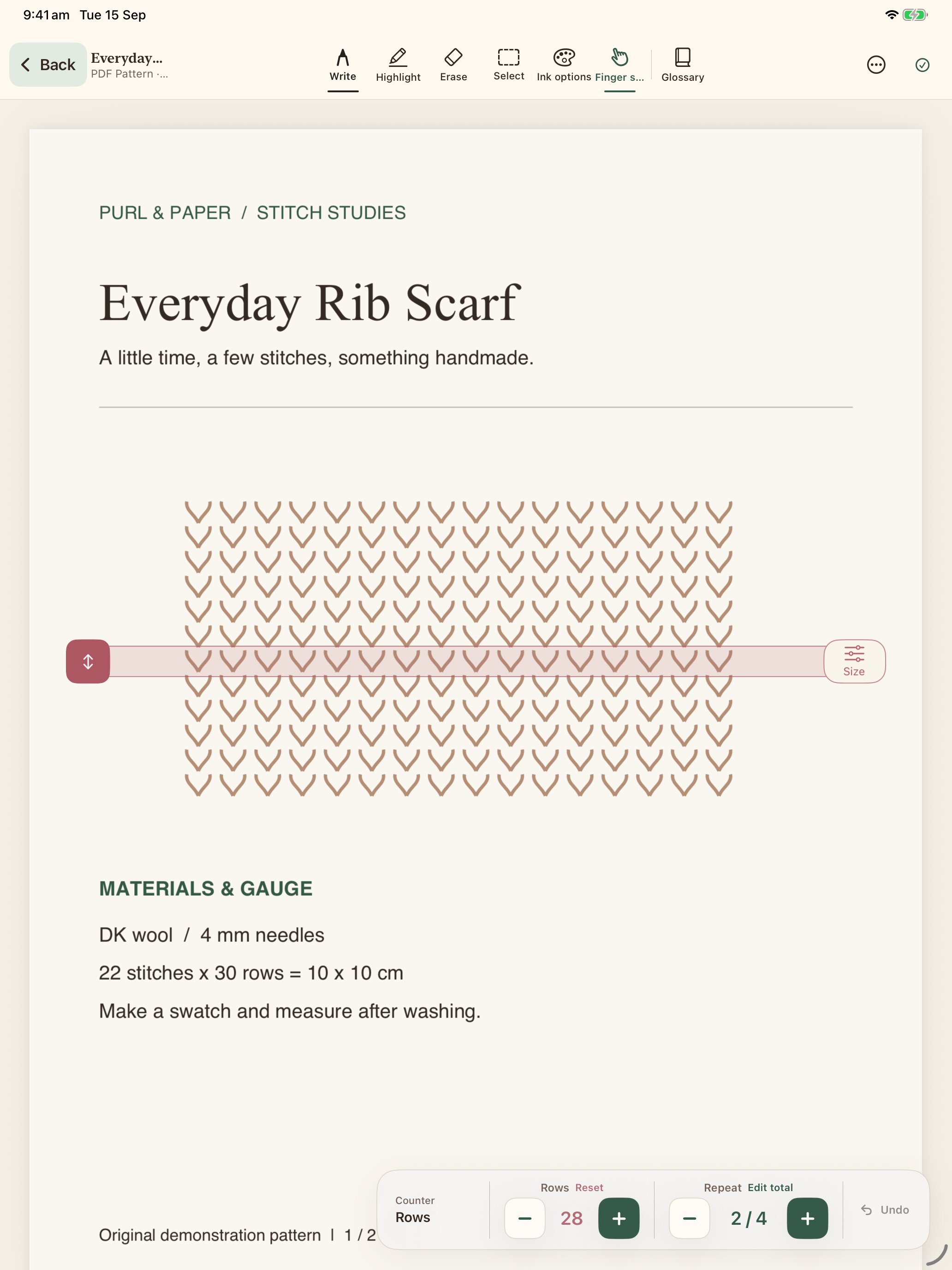
Keep the original. Make your own notes.
Import a PDF from Files, bring in pattern images or scan paper pages. Your original pattern stays separate from project-specific notes and markup. Starting the same pattern again gives the new project its own working copy of annotations.
The tools you reach for
Open an ongoing project and choose Write, Highlight, Erase or Select. Ink options lets you adjust colour and stroke size. Use Apple Pencil on iPad, or enable finger drawing for a touch alternative.
Room for the notes between rows
Use typed project notes for changes, sizing decisions and reminders. Keep your chosen needles, gauge and yarn alongside the pattern, rather than in a separate scrap of paper.
iPad for handwriting. iPhone for checking in.
Freehand pattern annotation is available on iPad. The iPhone companion can display saved annotations and edit structured notes. Version 1.0 does not automatically sync devices; use an exported library backup when transferring your records.
MAKE YOURSELF AT HOME
There’s a place for your next project.
Patterns, projects and the notes between rows.